ChatGPT
 Grok
Grok
 Perplexity AI
ChatGPT
Grok
Perplexity AI
Perplexity AI
ChatGPT
Grok
Perplexity AI
4 min read | By Muhammed Irbaz | 17 September 2026 | Technology
Bloated extensions, weak caching setups, and unoptimized databases sit at the core of most Magento performance issues. Fixing them through focused Magento performance optimization has a direct, measurable effect on revenue and search rankings.
● Slow Magento stores rarely have one cause unoptimized images, weak caching, and bloated extensions typically combine to create the problem.
● A single second of load delay can drop conversions by 7%, making speed a revenue issue, not just a technical one.
● Stores scaling past 10K SKUs need structural fixes like Elasticsearch and managed hosting basic setups simply cannot keep up.
● Performance gains fade without consistent upkeep; Magento maintenance services are what hold the improvements in place long term.
Source: Grandviewresearch
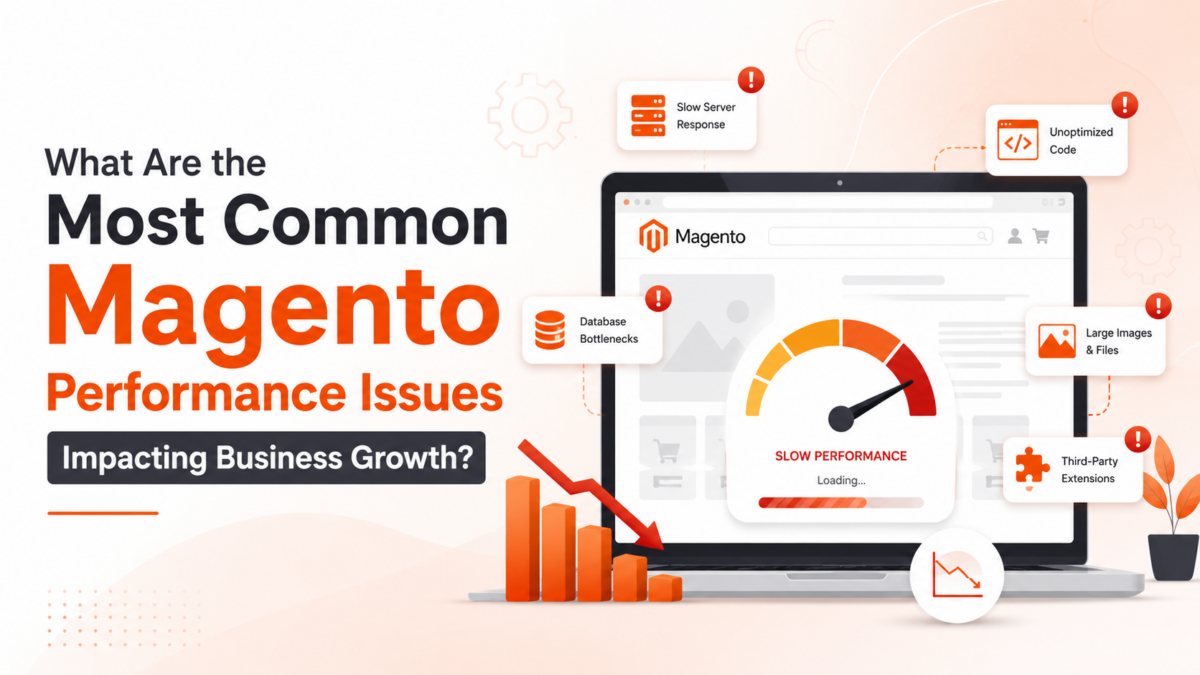
Magento websites become slow due to uncompressed images, missing cache configuration, outdated PHP versions, and unaudited third-party extensions that collectively overload the server.
There is rarely a single villain. Most Magento stores slow down because of several overlapping problems that compound over time and the longer they go unaddressed, the harder they are to untangle.
The most frequent offenders include:
Product images uploaded at full resolution with no compression applied
Full-page and session caching left unconfigured no Varnish Cache, no Redis Cache
PHP versions that have not kept pace with current Magento 2 requirements
JavaScript and CSS files served without minification or bundling
Flat catalog settings and reindex schedules that were set up once and never revisited
Stores that skip routine Magento website optimization end up carrying years of dead data, abandoned carts, expired sessions, orphaned records all of which quietly drag down every page request. Server-level tuning and periodic module audits are not optional luxuries; they are baseline maintenance for any store that takes Magento website performance seriously.
As catalogs expand and order volumes climb, infrastructure decisions made at launch can no longer support the load turning growth itself into a performance trigger.
A store that ran perfectly at launch can become genuinely painful at scale. The infrastructure decisions that worked for a few hundred products and modest traffic often fall apart once the catalog hits thousands of SKUs and order volumes start climbing.
| Growth Stage | Where Things Break | What Actually Helps |
|---|---|---|
| Early stage (< 1K SKUs) | Shared hosting ceiling | Move to managed cloud hosting |
| Mid-market (1K–10K SKUs) | Slow, unindexed DB queries | Query optimization and indexing review |
| Enterprise (10K+ SKUs) | Flat catalog hitting limits | Elasticsearch integration |
| Multi-store setups | Extension conflicts across stores | Full Magento audit and cleanup |
Magento 2 slow loading at the enterprise level is rarely about one bad line of code; it is a structural issue. Elasticsearch handles product search and filtering at a scale that MySQL simply cannot match. Businesses that bring in a qualified Magento development company before these problems peak tend to avoid the expensive firefighting that comes with ignoring them.Learn more about choosing the right Magento partner and what it means for long-term store reliability.
Slow checkout, a lagging admin panel, failed Core Web Vitals scores, and third-party extension conflicts are the four Magento issues affecting eCommerce growth most severely.
Some issues chip away at margins quietly. Others stop sales outright. These four consistently cause the most damage:
Magento checkout slow loading: A checkout that stalls is a sale that disappears. Payment gateway timeouts, poorly built custom modules, and session conflicts are common culprits and cart abandonment spikes sharply with every extra second of delay.
Magento slow admin panel: Operations teams that manage orders and inventory through a lagging backend lose hours every week. Grid rendering problems and bloated report queries are usually behind it.
Weak Core Web Vitals scores: Google measures Largest Contentful Paint, Cumulative Layout Shift, and Interaction to Next Paint as direct ranking signals. Stores that fail these benchmarks lose organic visibility, which feeds back into weaker conversion rate optimization numbers.
Third-party extension conflicts: An extension that fires redundant database queries does not just slow one page it degrades Magento performance across the entire storefront, often in ways that are difficult to trace without proper profiling tools.
Businesses can identify Magento performance problems by running PageSpeed audits, monitoring Time to First Byte, reviewing Core Web Vitals in Search Console, and profiling database queries.
Guesswork is expensive. The following Magento performance optimization checklist gives businesses concrete signals to work from:
Run Google PageSpeed optimization Insights and GTMetrix across category pages, product pages, and the checkout funnel
Check Time to First Byte anything above 600ms points to a server-side problem
Look at mobile bounce rates; they spike sharply when Magento 2 optimization has been neglected
Pull Core Web Vitals data from Google Search Console and identify which URLs are flagged
Profile database queries using New Relic or Blackfire to isolate extension-related overload
Confirm that Magento support services have been applied consistently patches, updates, and version upgrades included
Businesses that wait for revenue to drop before investigating Magento performance optimization services typically find the damage runs deeper than expected.
Slow Magento stores lose conversions directly a one-second page load delay reduces conversion rates by up to 7%, with the impact falling hardest on mobile shoppers.
The relationship is well-documented and unforgiving. A one-second delay in page load is widely associated with a 7% drop in conversions which, across a high-volume Magento store, adds up to significant monthly revenue loss.
Speed also affects perception. Shoppers encountering a slow storefront are less likely to trust it with a payment. When Magento speed optimization is deprioritized, the friction falls hardest on mobile users now the dominant share of eCommerce scalability traffic and mobile conversion rates reflect it.
Magento eCommerce development that treats performance as an architectural requirement from the start produces measurably better commercial outcomes. Magento consulting services help businesses connect technical decisions directly to conversion goals, rather than retrofitting fixes after problems surface.
Improving Magento website performance requires a layered approach covering server caching, frontend minification, database cleanup, extension audits, and platform version upgrades.
Knowing how to improve Magento website performance means understanding that quick fixes rarely hold. Sustainable performance gains come from working through multiple layers:
Server and caching: Set up Varnish Cache management for full-page caching and Redis Cache to handle sessions and object caching. A CDN reduces asset delivery latency for geographically dispersed shoppers.
Frontend: Minify CSS and JavaScript, defer non-critical scripts, and lazy-load images. Done properly, image optimization alone can cut page weight by 40–60%.
Database and indexing: Schedule regular cleanups targeting expired quotes, log tables, and orphaned records. Replace native MySQL search with Elasticsearch the performance difference at scale is significant.
Extensions and code: Audit every installed module. Remove what is not being used and replace poorly coded extensions with better-built alternatives. Experienced Magento development services can refactor legacy code that has been quietly hurting performance for years.
Platform version: Stores still running older Magento builds leave substantial performance gains on the table. Magento migration services move stores to current Magento 2 environments with PHP 8.x, unlocking both speed and security improvements.
Magento maintenance services covering monitoring, patch deployment, and periodic performance reviews are what keeps those gains from degrading over time.
Performance problems do not announce themselves. They accumulate, and by the time they become obvious, rankings have slipped and revenue has already taken a hit. Stores that treat Magento optimization as ongoing work rather than a one-time project consistently outperform those that address it reactively. Whether the immediate concern is common Magento performance issues slowing down the storefront or a broader Magento website performance overhaul, the work requires expertise, structured audits, and a maintenance plan that actually gets followed. Experienced Magento development services make the difference between fixing problems and preventing them.
Oversized images, misconfigured caching, and too many poorly built extensions piling onto an underpowered server are usually behind it.
Weak database indexing, missing Varnish or Redis Cache setup, outdated PHP, and unaudited custom modules generating unnecessary server queries.
Enable full-page caching, minify CSS and JavaScript, run a CDN, compress images, and schedule regular database cleanups to tackle all of them, not just one.
Update PHP first, switch catalog search to Elasticsearch, turn on flat catalog indexing, and uninstall extensions that are installed but never actually used.
Slow pages fail Core Web Vitals, which pulls down Google rankings, cuts organic traffic, and shrinks the number of shoppers ever reaching the store.
Three Google metrics Largest Contentful Paint, Cumulative Layout Shift, and Interaction to Next Paint that score loading speed, visual stability, and page responsiveness.
Yes, the architecture handles large catalogs and multi-store setups well but only when performance tuning and infrastructure management are kept up consistently.
Join over 150,000+ subscribers who get our best digital insights, strategies and tips delivered straight to their inbox.